Setting up Coin Drop
If you've read our Setting up Scratch Cards article then you will see a lot of parallels between that and this article.
You may only need to read one of these articles to understand how to operate both of them but in this article we will show you how the Coin drop game mode works from a customer perspective aswell as how to set it up.
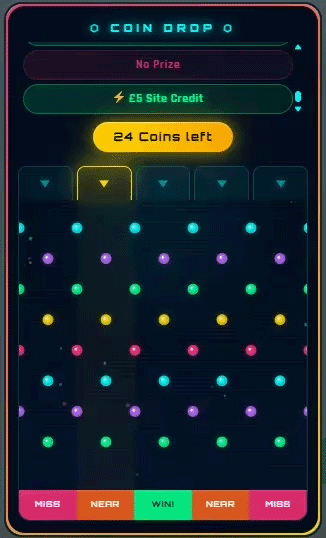
Automatic Coin Drop
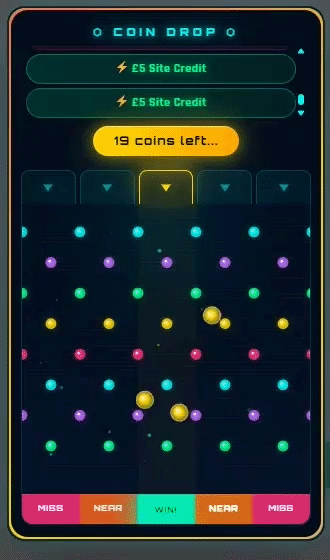
If the customer has multiple tickets into a Coin Drop Competition it will automatically drop multiple coins.
Get started with Coin Drop
Setup an Instant Prize Competition as usual and then scroll under the Featured image to find the Minigames widget.
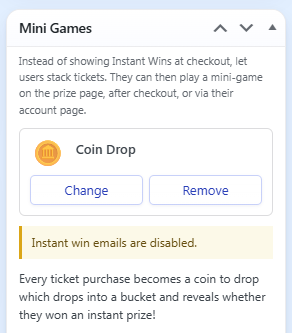
Select the Coin Drop Game and save the product. Once you have done that, every ticket purchased will give customers a go at the Coin Drop Game.
How does it work?
The Coin Drop game & all minigame modes integrate with the Instant Prizes to provide a visual overlay that is more interactive than the original instant wins. When someone purchases a ticket they will see a button after Checkout aswell as on the Coin Drop game activated competition above the Add to Cart button where they can open a Popup.
Customisation
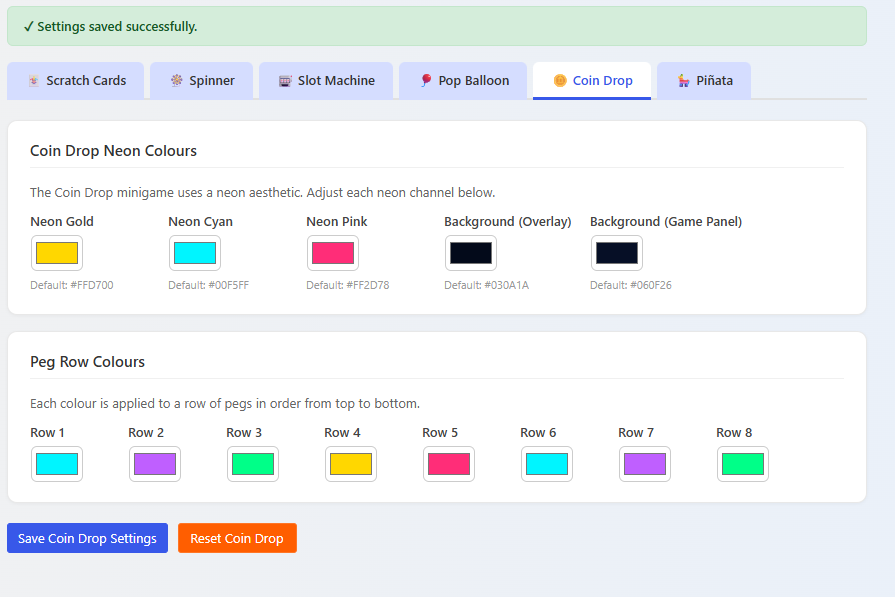
You can make minor changes to Coin drop, please test in the Playground once you apply changes