Volume Control
Performance Options is a feature that will help battle the resource intensity of Penny Prizes. This feature comes combined normally with the Archiver feature as they both solve the same issue which is to tackle various problems when a database is overloaded with orders.
How does it work?
Once installed you will see a widget on every Edit Product page.

- Minimum tickets in 1 order - Prevents lots of low ticket orders
- Maximum tickets in 1 order - Prevents 1000+ tickets in 1 order which can be resource intensive
- Customers time limit - Spaces out frequent purchasers orders so they don't keep purchasing every few seconds which saves resources for other customers
- Disable Add to Cart - Optional rarely used feature to hide Add to Cart in case of any issues
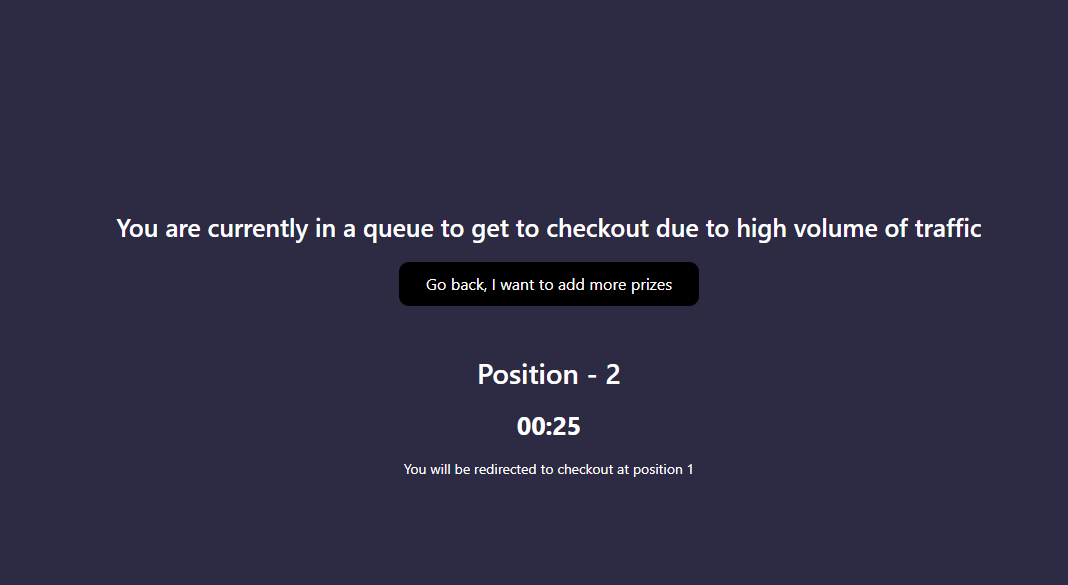
- Queue Mode - A global counter based on the orders in the current minute, if above the threshold customers will be put in a very short queue which is used to create space between orders and stop the website crashing
- Any Free Competitions can cause sudden spikes in orders so if there is an influx of free ticket orders that is holding back the processing queue which dispatches emails, instant rewards & other important functions it will temporarily disable the add to cart button only on the free competitions to protect the website from slowing down & still allowing paid orders to come through at the same time
All these options are changeable by you however we do apply automatic limits on penny prizes and advise you to keep them. You can however remove them or disable performance options if you prefer.
Queue Mode
Queue mode will rarely come into action however when it does it stops customers accessing the checkout page and instead puts them in a short queue before redirecting them back to Checkout
Hopefully this article gives you insight into how our performance options work but please let us know if you have any questions!
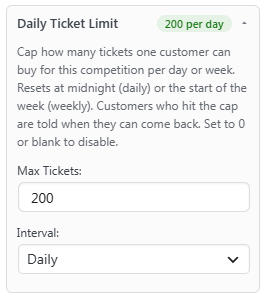
Daily Ticket Limit
You can also set weekly interval limits but this shouldn't really be required. Daily Ticket Limits provide a safe and fast way to calculate and restrict customers from buying too many tickets in a short span of time
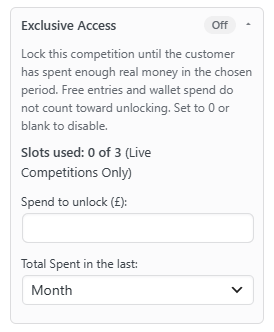
Exclusive Spend Limits
On a maximum of 3 competitions you can add a spend limit, which similar to Spending Controls tracks customers spend over a specific interval
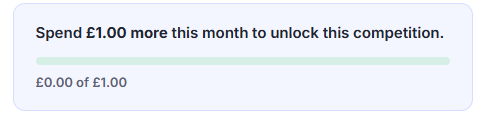
This can be set under the Settings and can help prevent bots exploiting free competitions
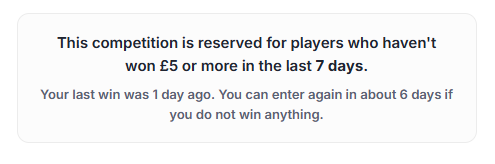
Exclusive - No Recent Winner
For unlucky customers who haven't won in a while, you can give them a chance to beat the top winners in their own exclusive competition!
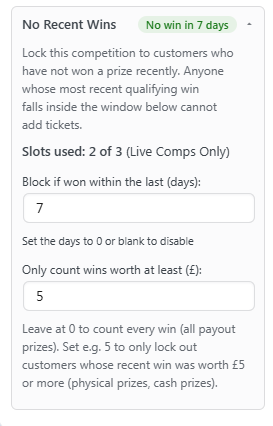
Those who are blocked will see the below notice on the competition